Active View
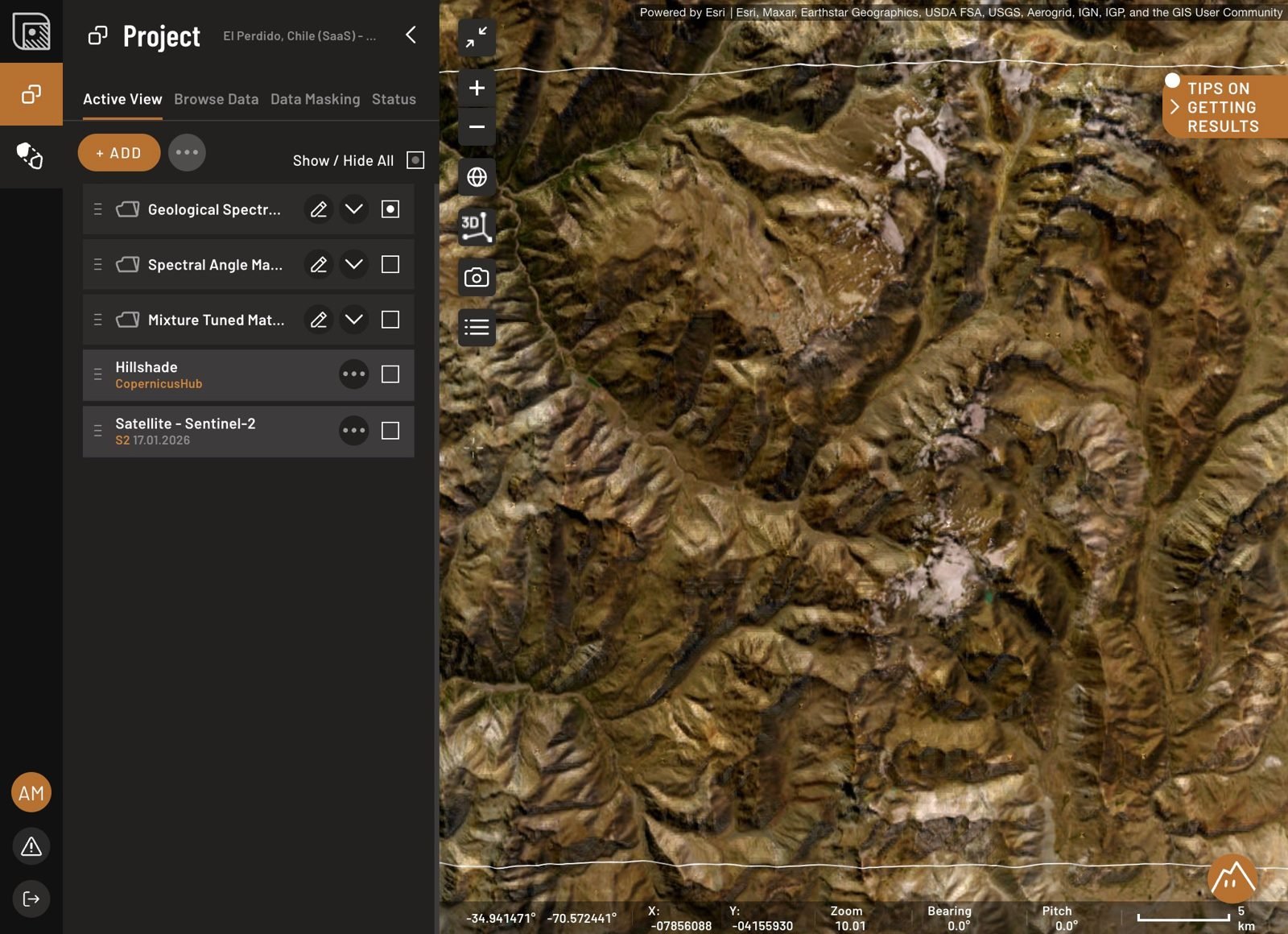
The Active View tab allows you to manage and visualize data layers on the map.
Features
- View all layers added from the Browse Data tab.
- Adjust layer properties such as color, opacity, and value range.
- Toggle layers on or off to customize the map view.
- Export layers for external use.
- Click + ADD — the same menu as in the Browse Data tab — to draw a shape, order AI Spectral Targets, add preset layers, request more data, or upload your own data.
For details on a specific layer type — what it shows and how to configure it — see Knowledge base.