Portfolio Map
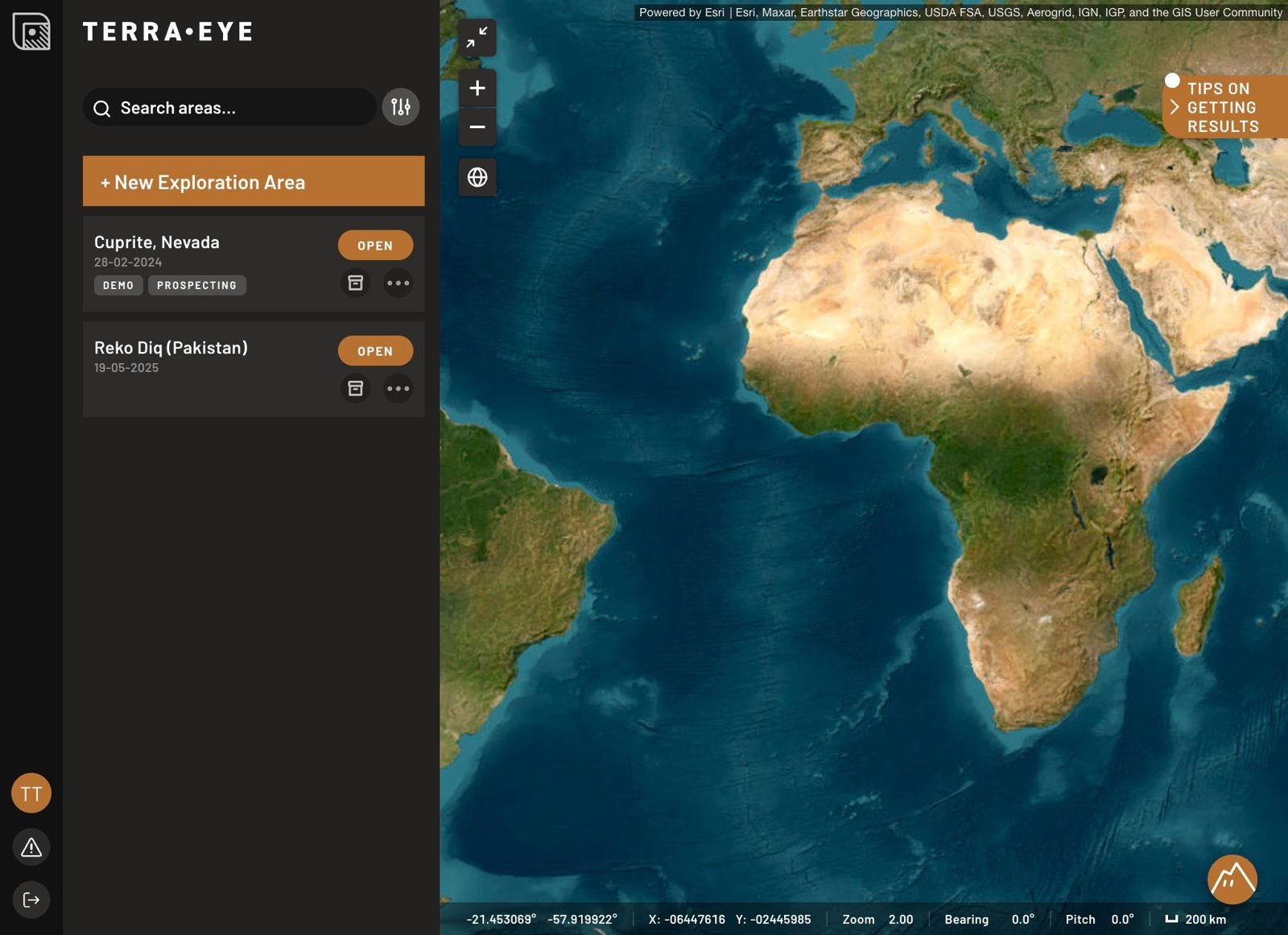
The Portfolio Map is the central hub of TerraEye. It displays a world map with all your areas marked as points, giving you a quick overview of your projects at a glance.
Features
- World Map View — see all your areas displayed as points on a global map. Click any point to open that area.
- Add a New Area — create a new exploration area.
- View Area Details — each area displays:
- Name
- Project type (Demo, Prospecting, Monitoring, or Regular)
- Creation date
- Search and Filter — quickly find a specific area using the search bar or filters.
- Area Actions:
- Open — access the selected area.
- Info — view additional details about the area.
For what each dataset is and where it comes from, see the Data reference.