About TerraEye
TerraEye is a mineral exploration platform. It processes satellite spectral data, magnetics, gravity and your own geochemistry over an area you define, and gives you the tools to turn those layers into defensible priorities for field follow-up.
No programming required. Everything on this site is done through the app.
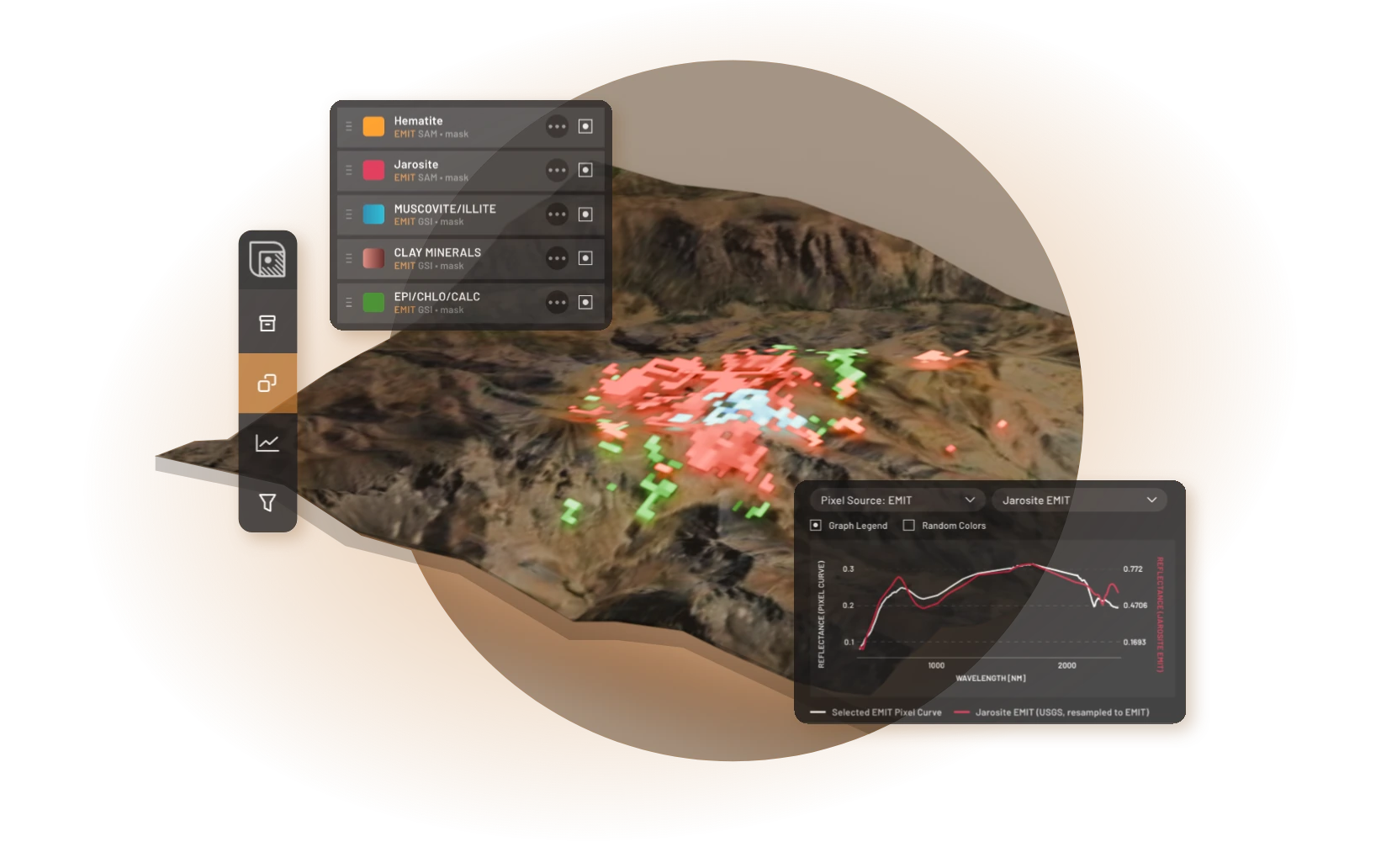
What can you do with TerraEye?
A targeting pass narrows a license-wide area down to a few places worth walking, and produces the record that justifies spending field time on each one.
What it does not do is find ore. A satellite spectrometer reads the exposed surface layer, so what you map is surface mineralogy. Some of that mineralogy is hydrothermal alteration, the chemical change fluids leave in rock, usually spread much wider than the deposit that caused it. Much of it is not: ordinary weathering, regolith, supergene assemblages and entirely unaltered lithologies contain the same clays and iron oxides. Deciding which one you are looking at is a geological judgment you make from your map and the field, not something the layer tells you.
Two consequences follow, and the second is the one people forget.
Alteration is wider than its deposit, so a spectral anomaly is a search area rather than a location. And barren alteration is vastly more common than mineralized alteration: mapping a halo raises your interest, it does not move the odds much. Equally, several deposit types have little or no usable surface spectral expression, so a quiet spectral layer is not a cleared area.
A confirmed result here is a case for ground-truthing. It says nothing about depth, grade or tonnage, and it does not replace a sample or a hole.
A note on words
What this platform produces is a prioritized set of surface anomalies for ground follow-up. It is not an Exploration Target in the JORC or NI 43-101 sense, and it is not a Mineral Resource. Nothing here is signed off by a Competent or Qualified Person, and none of it is suitable for public disclosure as an Exploration Result without that sign-off.
How this documentation is organized
The pass itself, start to finish: create an account, sign in, then nine phases in the order an explorer would run them. Each phase tells you what to click and how you know you are done. Start here.
The reference half. What each dataset is, what each algorithm computes, which way its values run, and the conditions under which it lies to you. The workflow links into this tab wherever a detail matters.
Before you rely on a result
Five things cause most of the wrong conclusions, and they are properties of the data rather than mistakes you make:
- Pixel size sets the smallest thing you can trust. One EMIT pixel averages 0.36 hectares of mixed rock, soil and shadow.
- Cover decides whether the surface means anything. Residual regolith weathered in place carries a diluted version of the bedrock beneath it. Transported cover — till, alluvium, colluvium, wind-blown sand — describes itself and nothing underneath. Canopy and standing water are opaque either way.
- Same-image agreement is one observation. SFF, SAM and GSI reading the same pixel of the same scene is three algorithms agreeing about one measurement.
- Every method returns false positives. The curve check in the Analogy Lab is what separates a result from a lead.
- Masks do not remove man-made ground. Tailings, haul roads and quarry faces are genuinely bare, and crushed dry rock often gives the strongest match in the scene.
Each of these is dealt with in the phase where it bites. If you read nothing else first, read Before you start.