Portfolio Hub
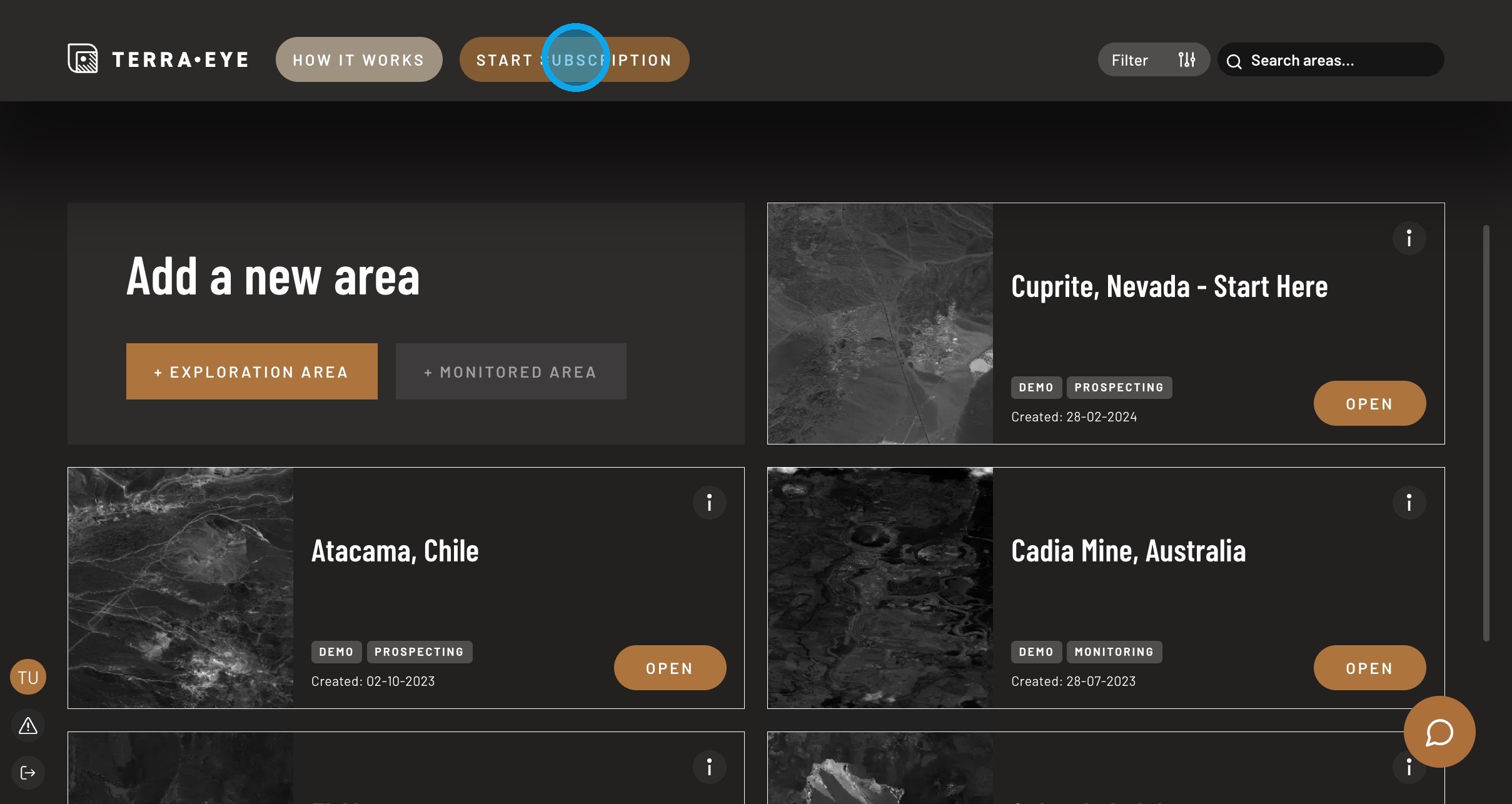
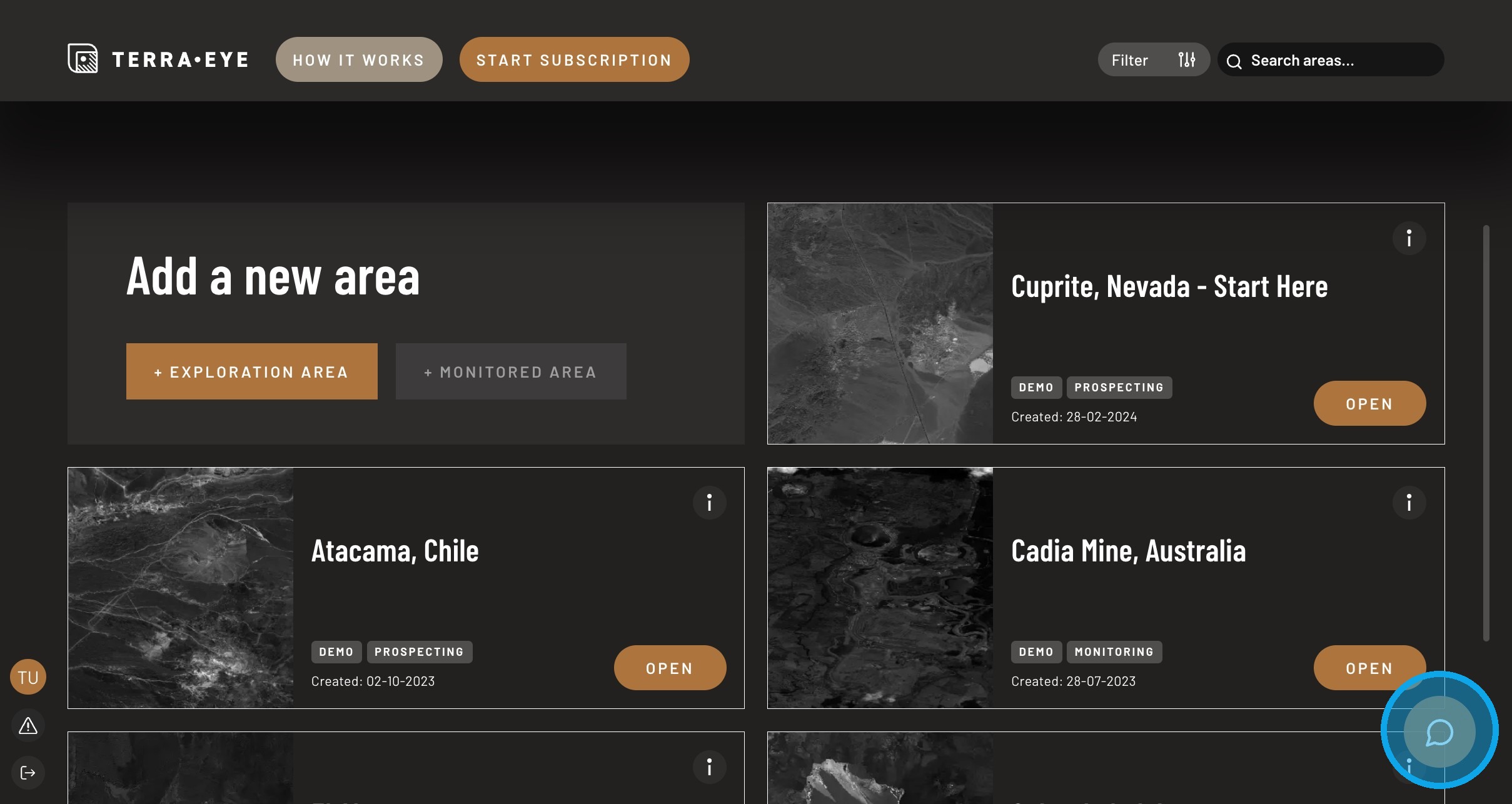
Portfolio Hub is the place where you manage and access your areas (demo areas and areas created by you).
Note
The interface appearance may vary between versions. The workflows described below remain the same.
What you can do here
In Portfolio Hub you can:
- browse all available areas
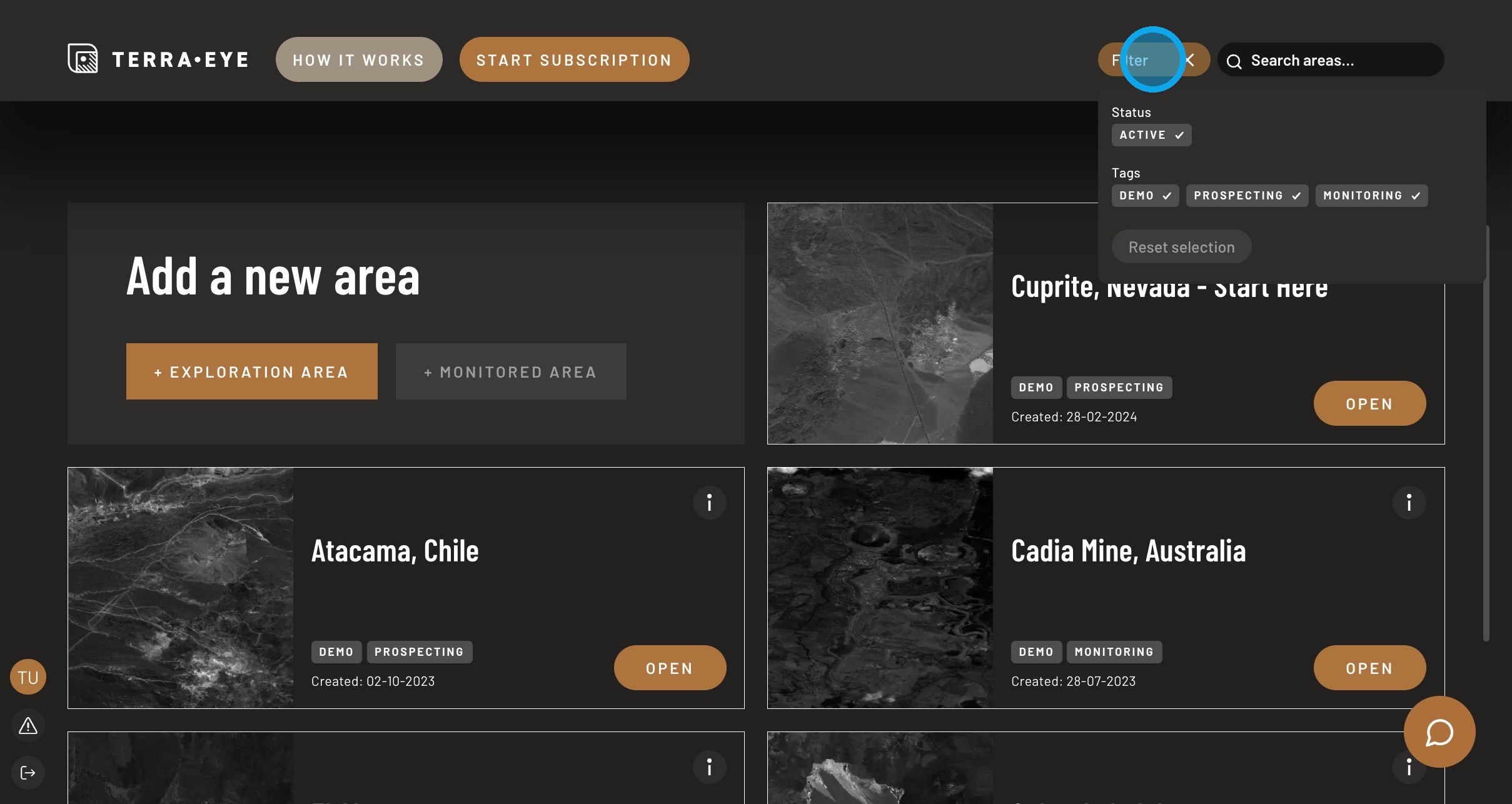
- find a specific area quickly
- open an area workspace
- create a new exploration area
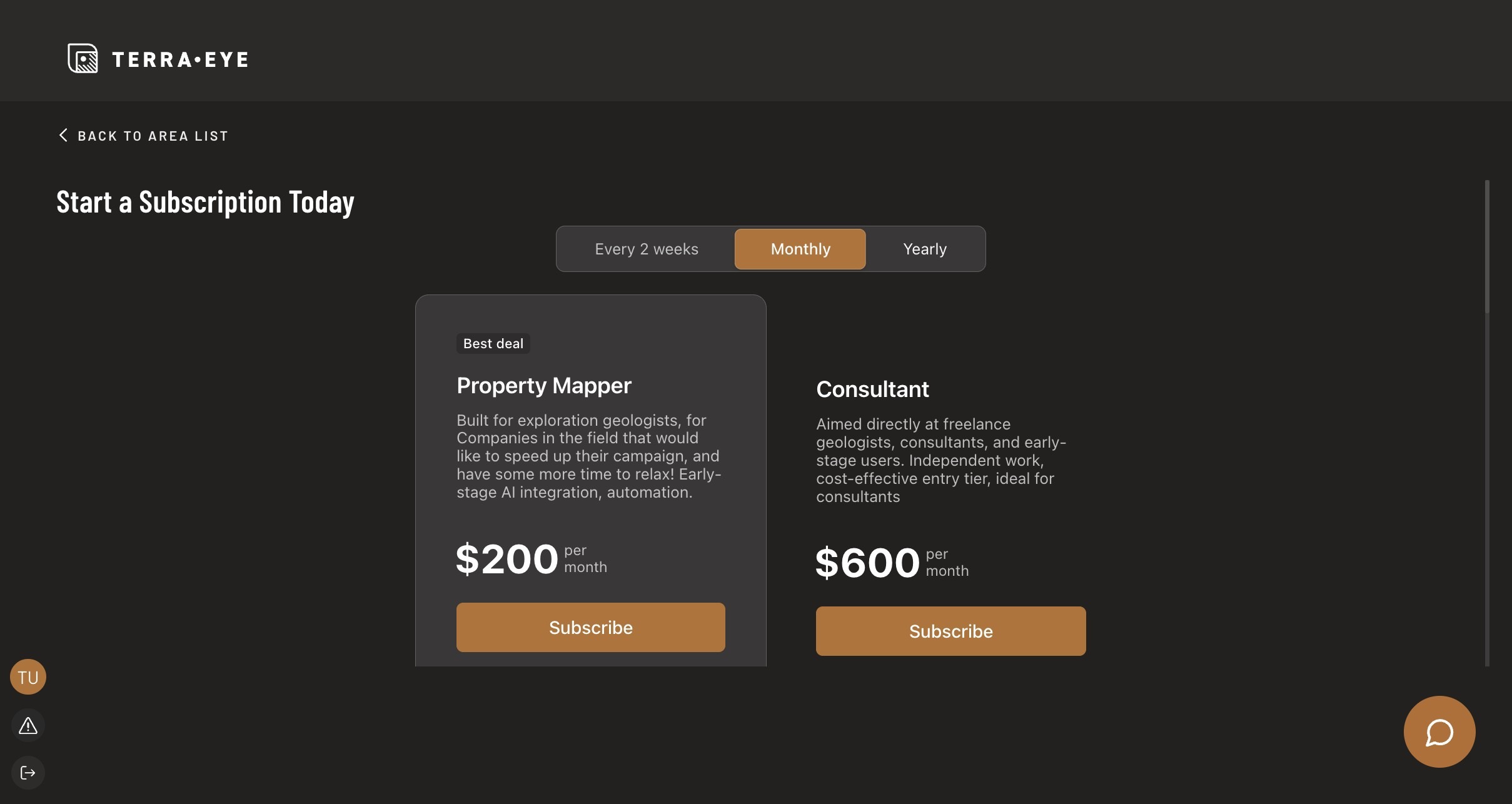
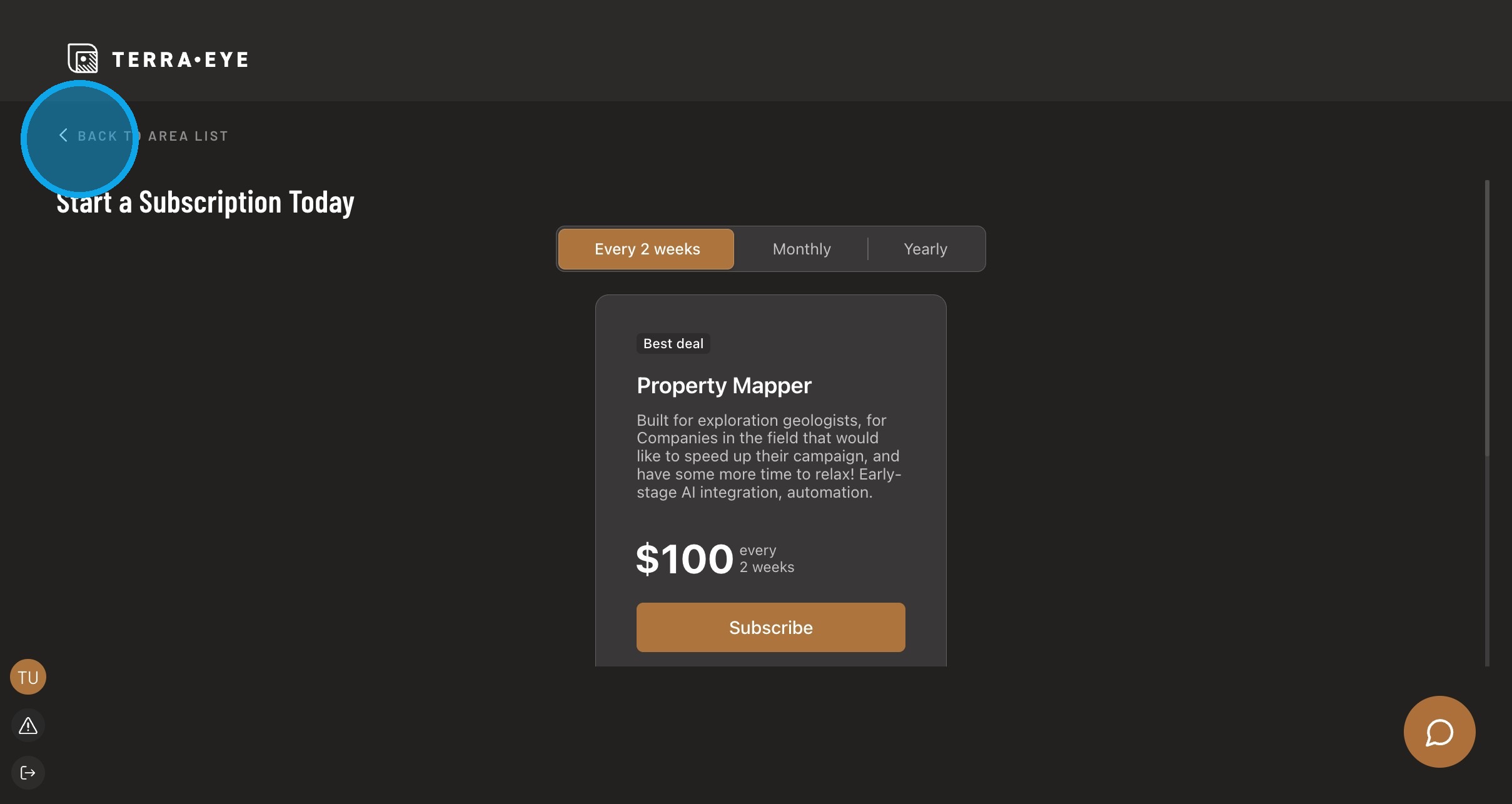
- manage subscription access
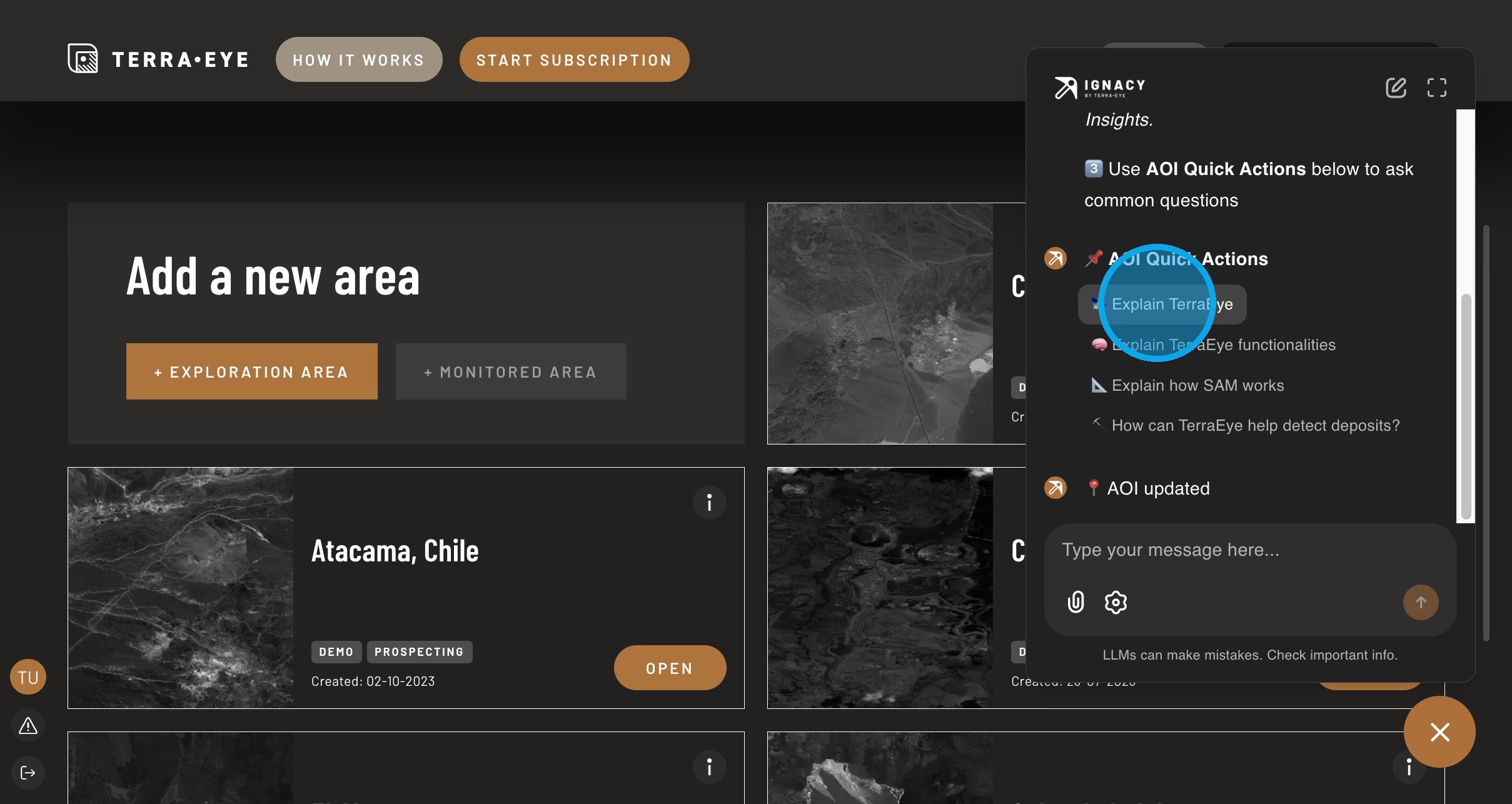
- use Ignacy for contextual help
Typical workflow
- Find an area
- Open the workspace
- Analyze data
- (Optional) create a new area
Browse areas
Each card represents one working area.
Opening an area switches the application into analysis mode — all tools and data will apply only to that region.
Find an area
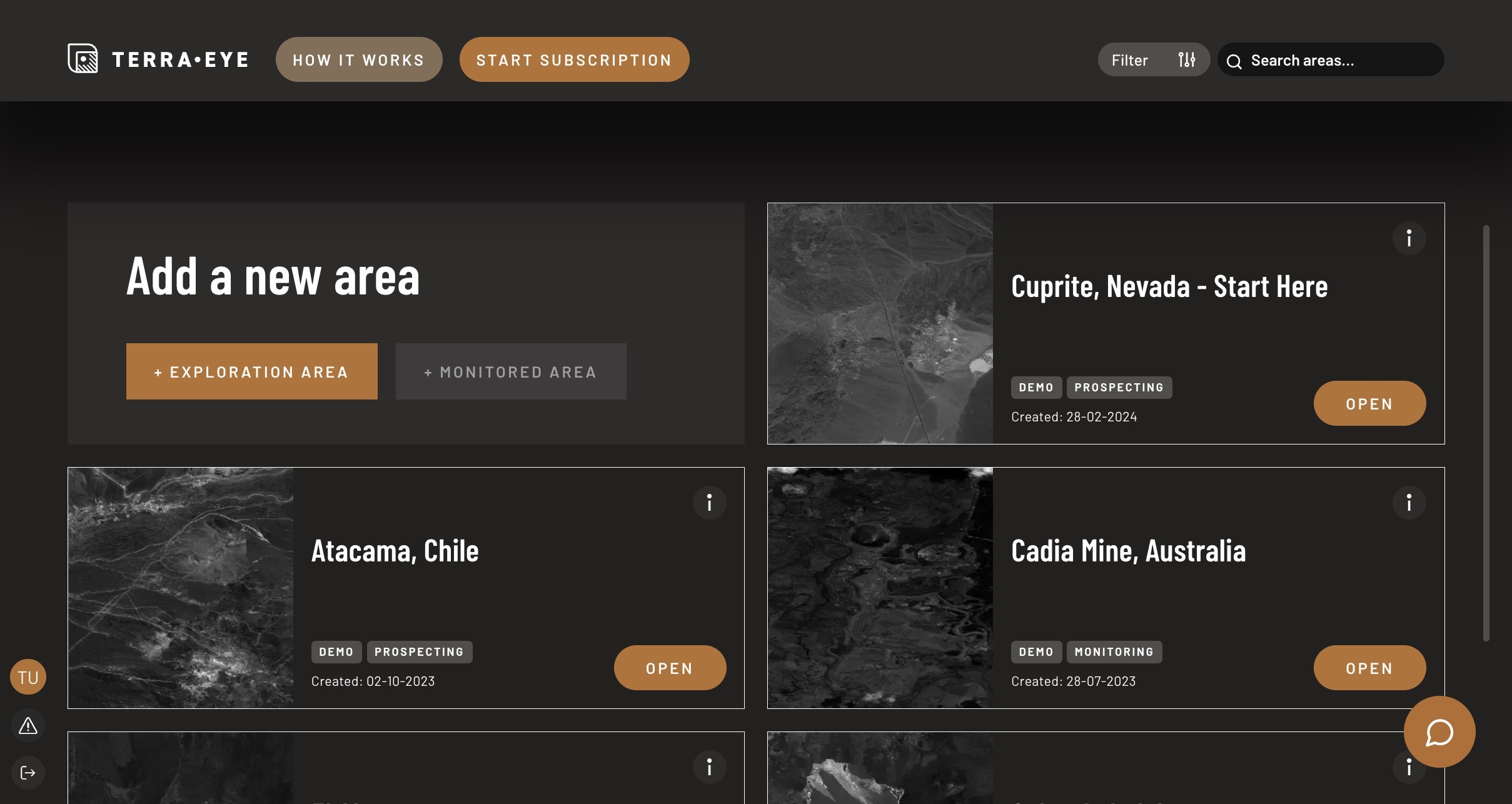
Use search when you know the name, and filters when you want to narrow results.
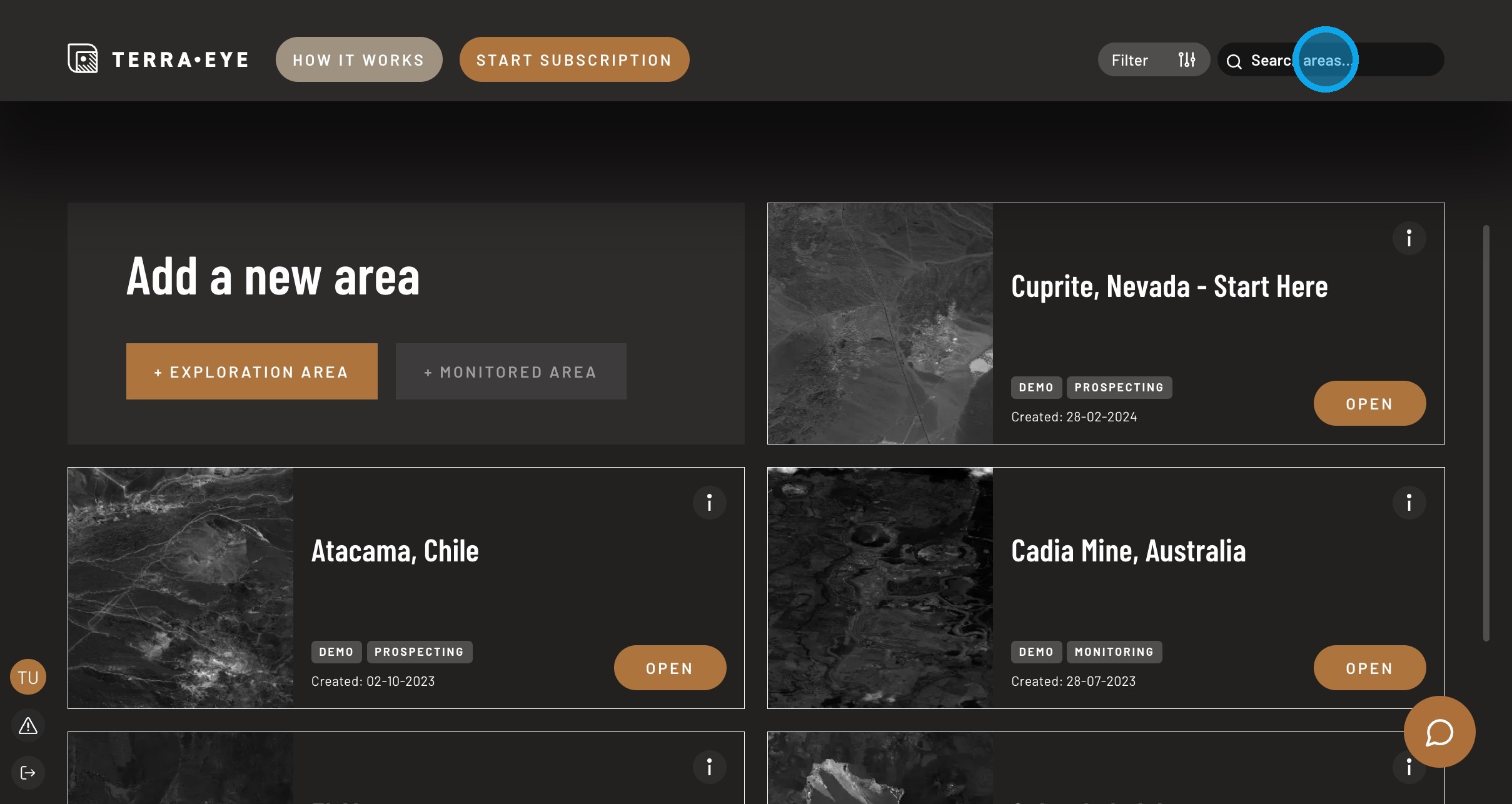
Tip
If filters change in future versions, the goal stays the same: reduce the list to relevant areas.
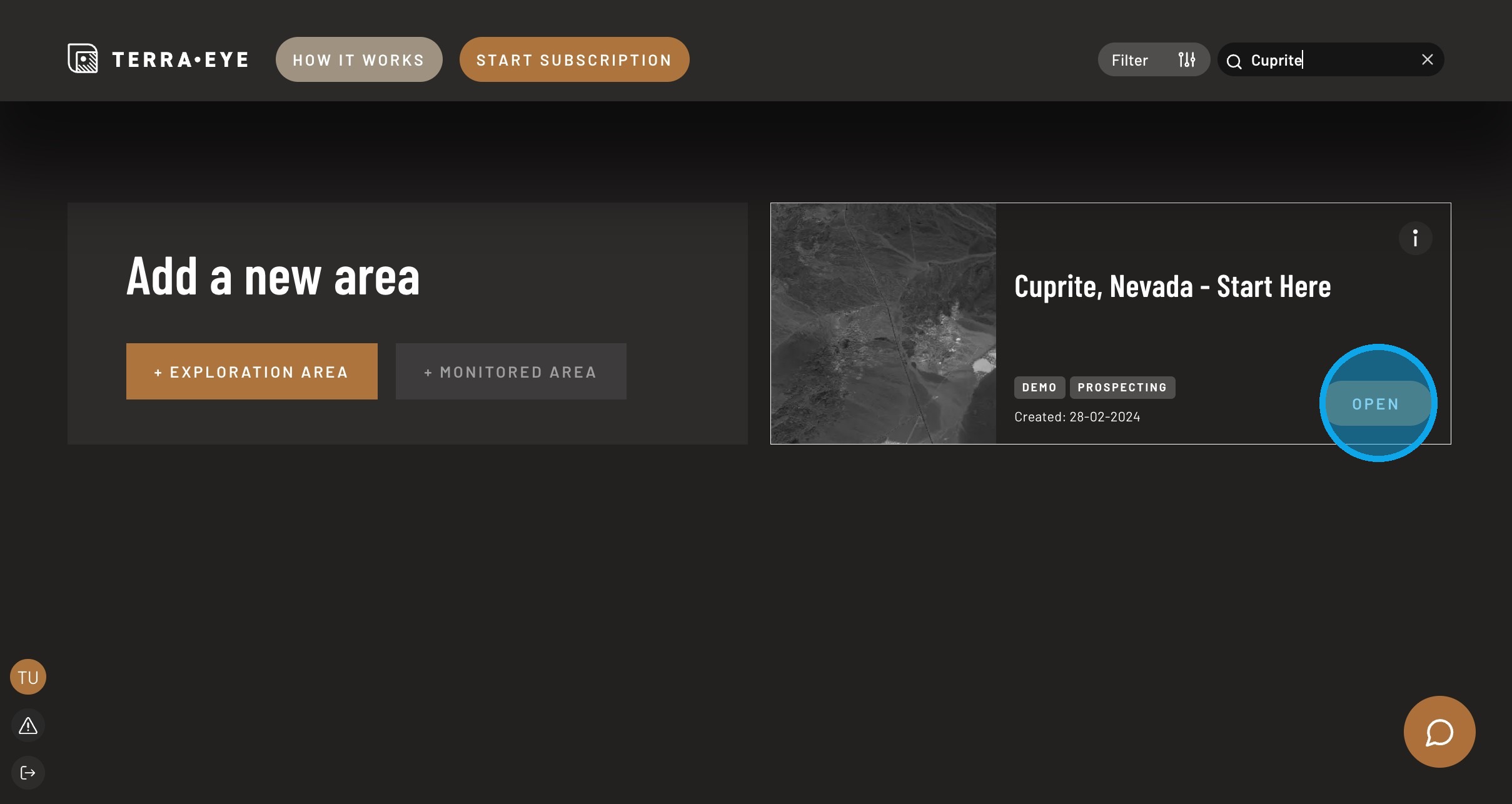
Open workspace
Opening an area loads its dedicated workspace with datasets and analytical tools.
Create a new exploration area
Create a new area when you want to analyze a new location or start a separate workflow.
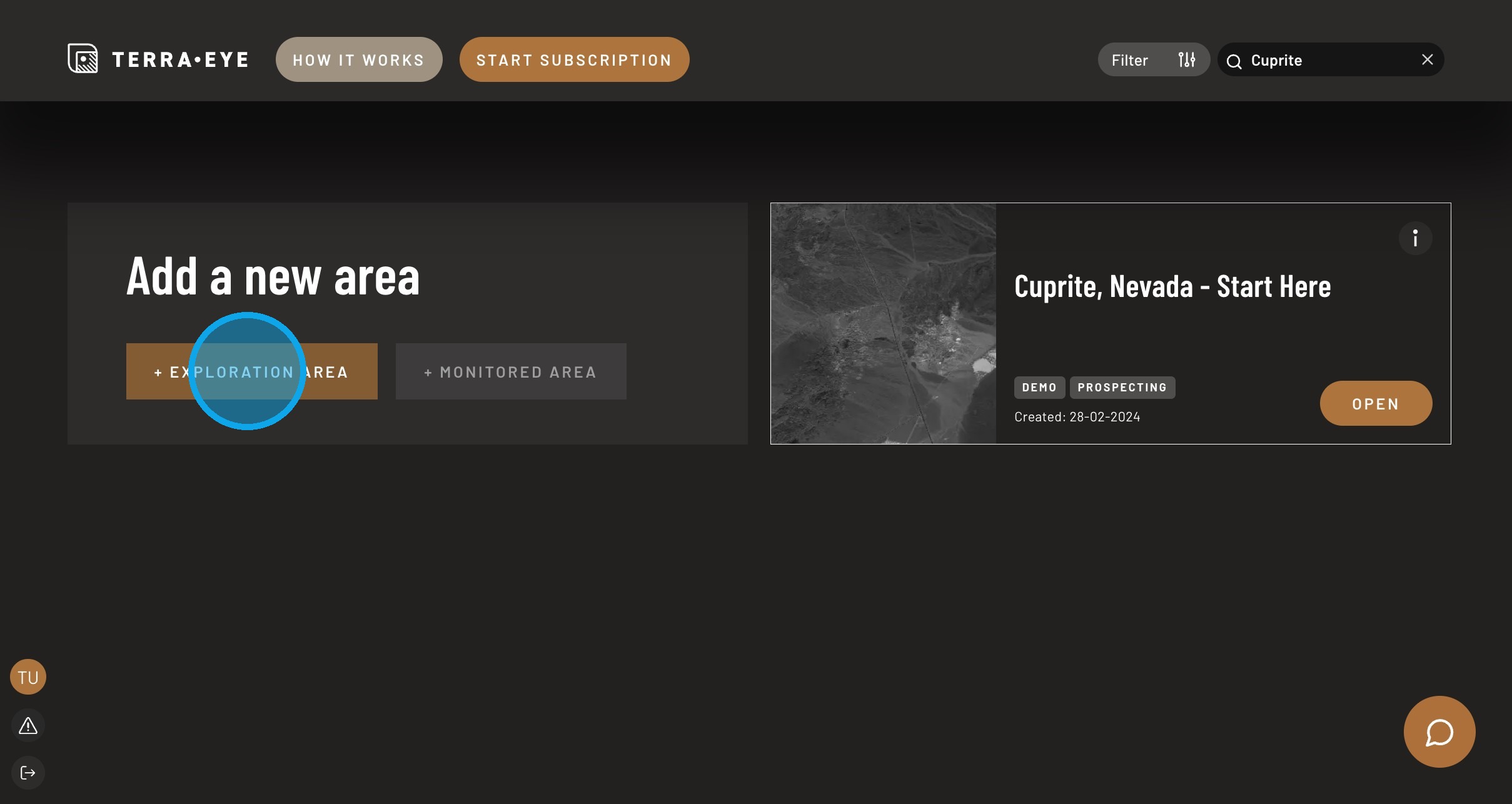
After creation, the area will appear in Portfolio Hub.
Learning resources
“How it works” leads to background materials and case studies:
https://blog.terraeye.co/
Subscription
Some functionality requires an active plan:
https://terraeye.co/#pricing
Ignacy assistant
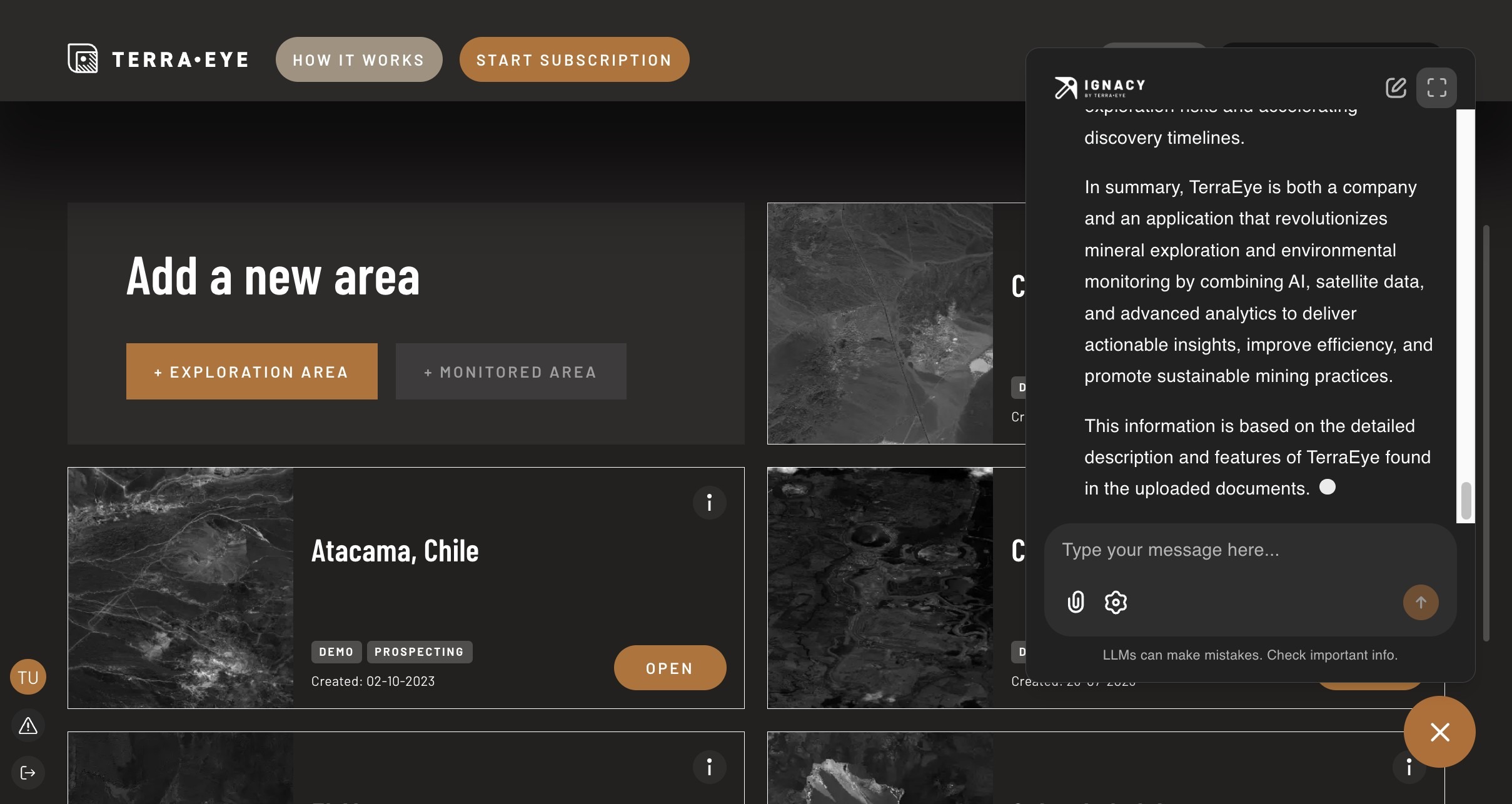
Use Ignacy to understand data, methods and next steps.
You can: - ask your own question - use prepared prompts
Troubleshooting
I can't find my area - try search - clear filters - check account
Area opens but tools missing - check data availability - check subscription